
Medical records
The folder of paper records, retired.
Snap a photo. It becomes a permanent, organized part of your pet's record — typed, dated, filed by pet and there in five years when someone finally asks for it.
Certificates on paper. PDFs emailed once and lost. Photos buried somewhere in a camera roll from two phones ago.
None of it is anyone's fault — a pet's history simply accumulates in whatever place was nearest at the time. The problem shows up later: at a new clinic, at a boarding kennel, at a handover, when the one document you need is the one you can't find.
How the record forms
From paper to a structured record.
Upload once. A photo or a PDF, from the camera, the gallery or your files.
It gets typed and organized by pet and document type, with a generated thumbnail.
Optionally, the AI extracts the fields — and you review every one before anything is saved. How that works →
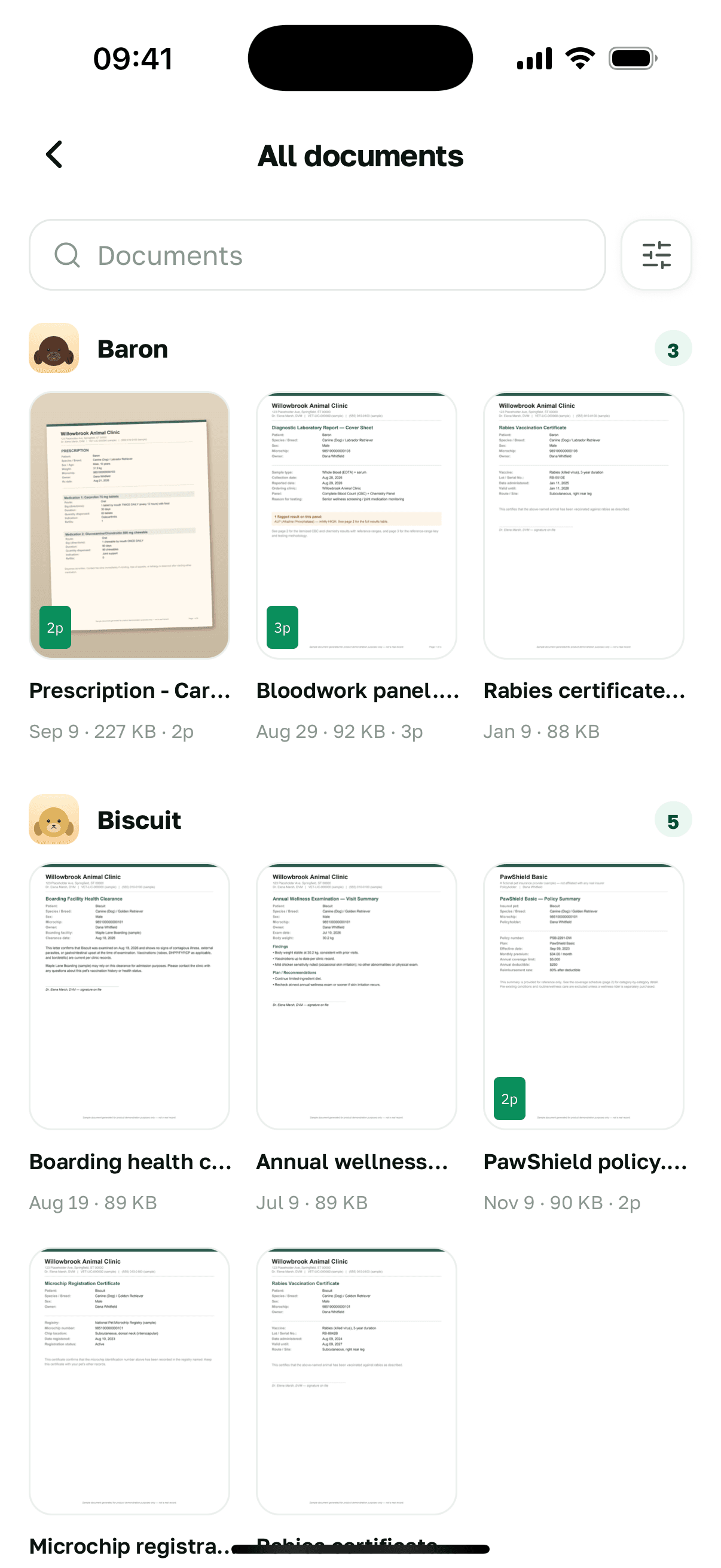
The history
A history that writes itself, never re-typed.
Approved parse results, completed reminders and your own notes land in one chronological stream per pet. You don't maintain it; you read it.
See the timeline in the pet hub →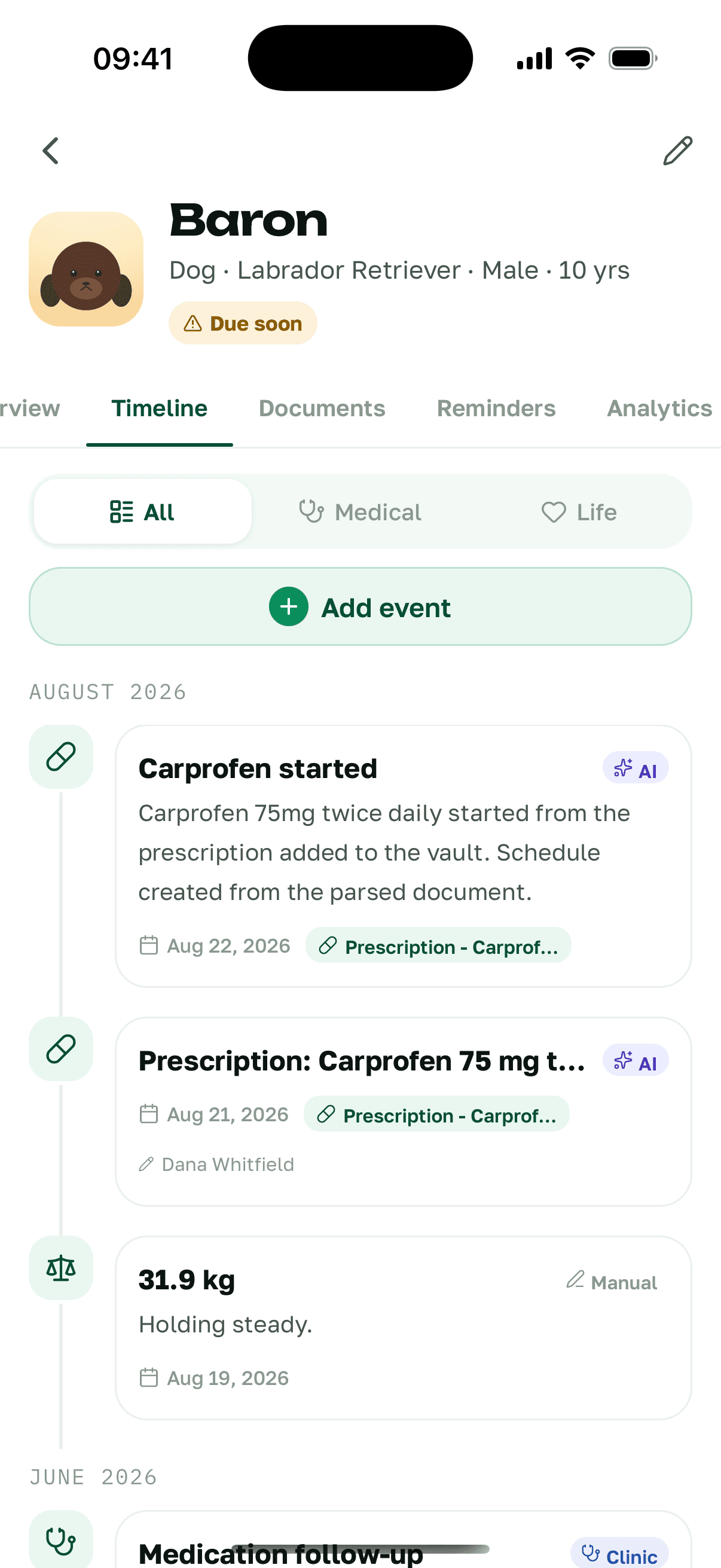
No lock-in
Take your complete record with you, any time.
A free, self-serve ZIP export on every plan: the original documents plus the structured data. Paid tiers add a summary PDF on top of the same archive — the export itself is never gated.
How your data is handled →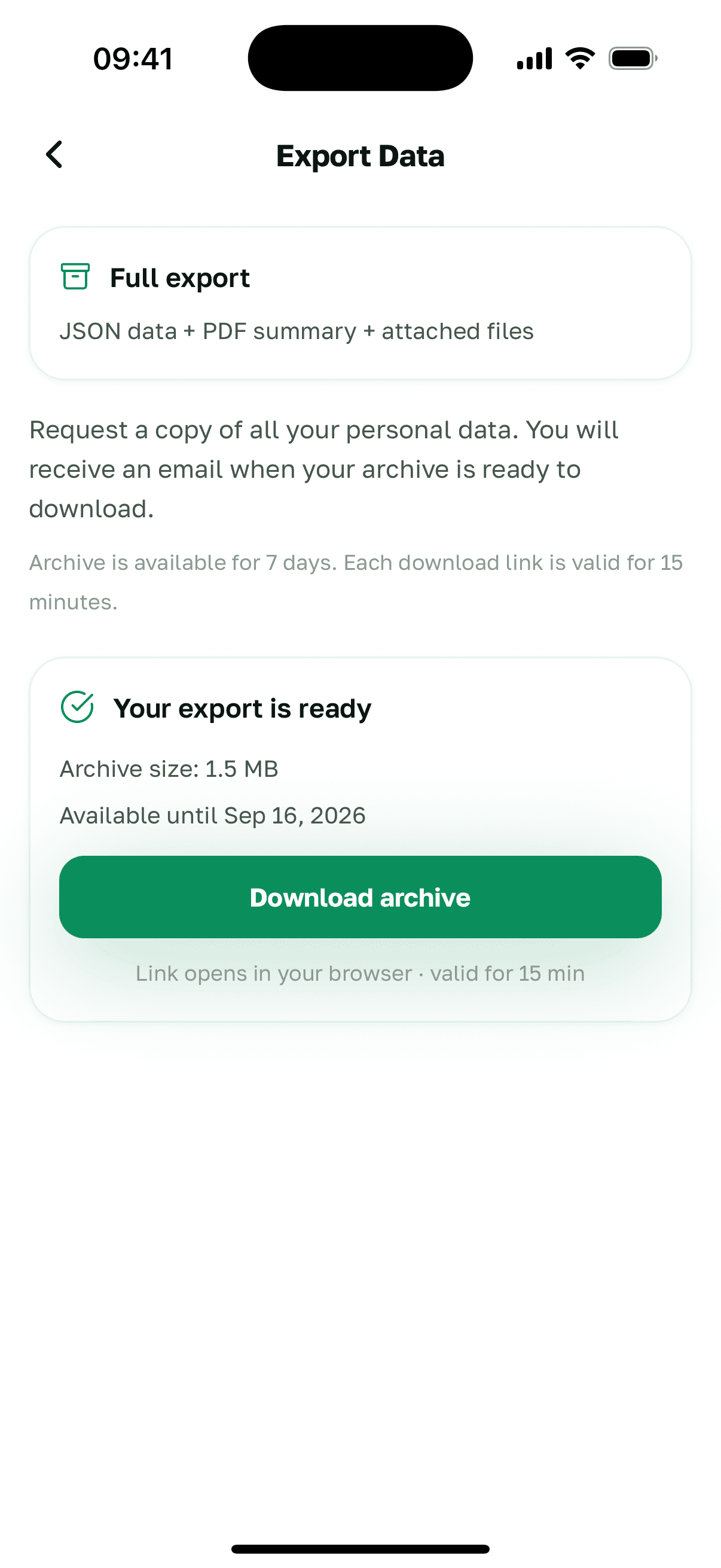
Start with the document nearest to you.
One photo is enough to begin the record.


Also available inEnglish · Deutsch · Español · Français · Italiano · Українська